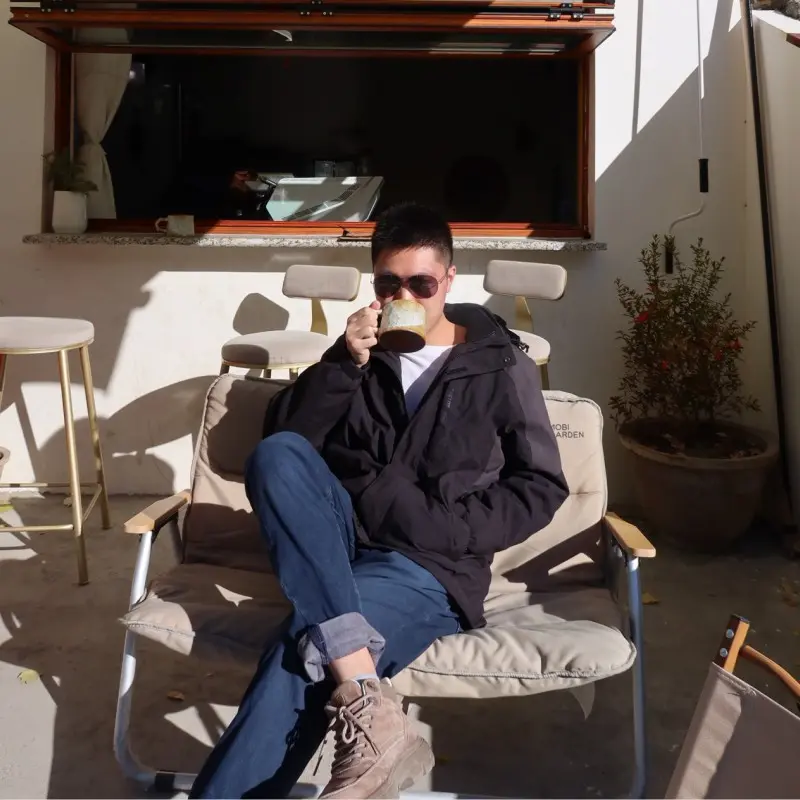
What Is Portrait Style Transfer
At its core, AI portrait style transformation is the process of taking an ordinary photo of a person and reimagining it in the visual language of a different artistic style — anime, oil painting, cyberpunk, watercolor, and more. It is how you turn a simple selfie into a stylized character portrait that looks like it belongs in a parallel universe.
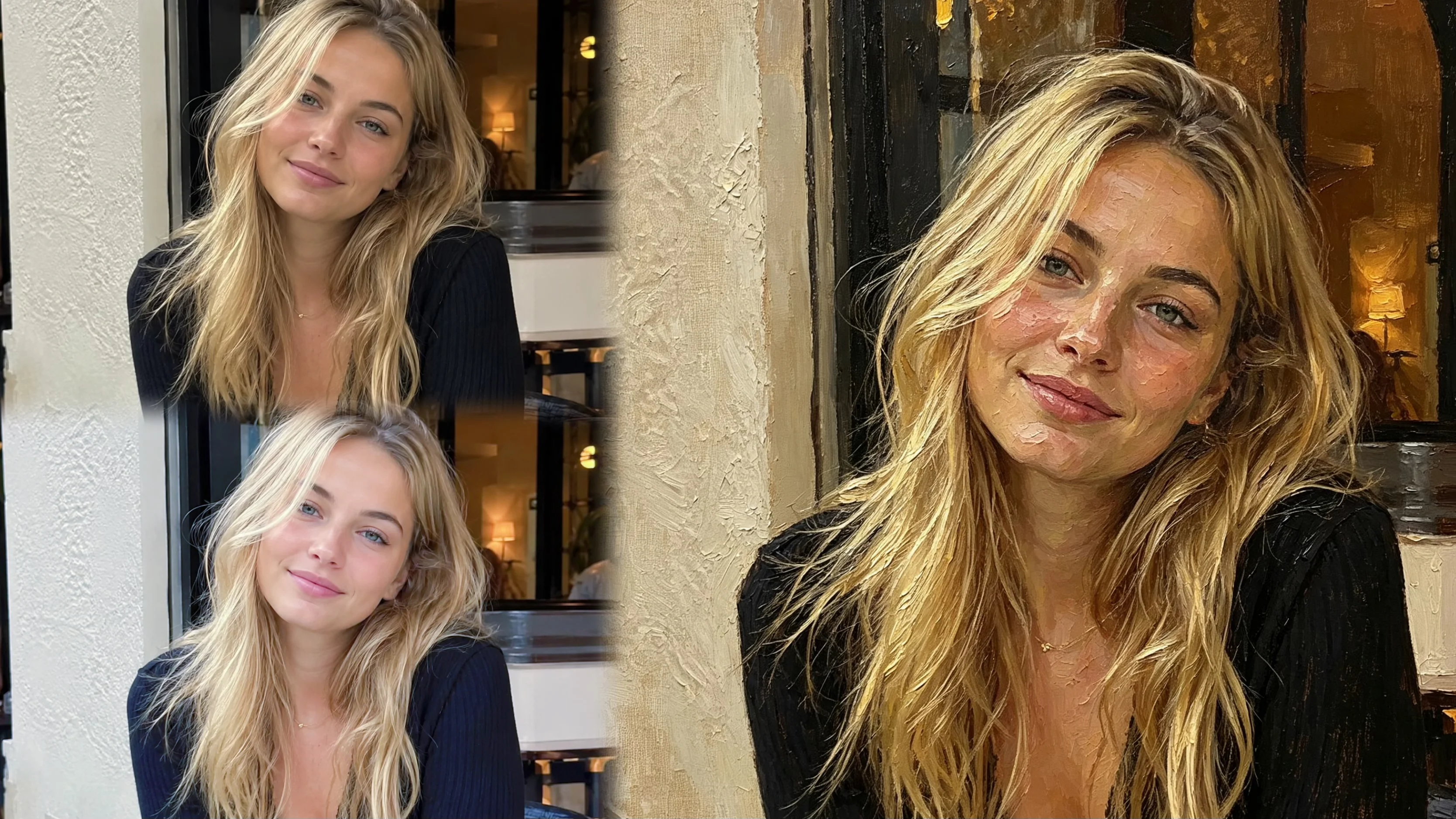
How is this different from a regular filter? Unlike traditional photo filters that apply a uniform effect across the entire image, AI style transfer analyzes the facial structure, lighting, and composition of your photo, then reconstructs it from scratch using the textures, colors, and brushwork of the target style. For example, when you apply an oil painting style, the AI does not just tint your photo — it actually redraws your portrait with visible brush strokes and canvas texture. The result is not a filtered version of your photo, but a brand-new piece of art based on it.
According to a 2025 report by MarketsandMarkets, the AI image generation market is projected to grow from $2.7 billion to $8.2 billion by 2030, with portrait style transformation as one of the fastest-growing segments. At Bobi, this is powered by 32 preset styles organized into 4 categories — each one carefully tuned to produce the best possible portrait results. Whether you want to look like an anime protagonist or a Renaissance noble, the core process remains the same: upload a photo, pick a style, and let the AI do the rest.
More Than a Filter
The easiest way to understand AI portrait style transformation is to compare it with the photo filters you already know. They may seem similar at first glance, but the underlying technology — and the results — are fundamentally different.
| Dimension | Photo Filter | AI Style Transfer |
|---|---|---|
| How it works | Applies a preset overlay — adjusts colors, brightness, or texture across the whole image | Analyzes facial structure and reconstructs the entire image in the target style |
| Underlying photo | Does not change — same photo with adjusted colors | Replaced by a new AI-generated composition |
| Output type | Modified version of the original photo | New artwork based on your portrait |
| Customization | Limited to preset adjustments | 32 preset styles + custom prompt mode |
| Face analysis | None | Full facial structure and lighting analysis |
| Best for | Quick color and look adjustments | Unique, platform-specific portraits and personal branding |
AI style transformation, in contrast, works more like commissioning an artist who specializes in a specific style to paint your portrait. This is why the results feel like real artworks rather than photo effects. For instance, the AI does not just color-shift your selfie into sepia tones — it actually redraws your portrait with visible brush strokes, canvas texture, and lighting consistent with classical portraiture. That is the difference between a filter and a true AI style transfer.
The 4 Categories
Understanding the difference between filters and AI style transformation is only the first step. The real power comes from knowing which style category fits your photo type and the impression you want to create. Bobi organizes its 32 styles into 4 distinct visual categories, each drawing from a different artistic tradition.
| Category | Styles Included | Best For | Visual Effect |
|---|---|---|---|
| Classical | Oil painting, Ink wash, Watercolor | Half-body and full-body portraits | Rich texture, depth, fine art quality |
| Pop | Anime, Cel shading, American cartoon | Close-up selfies, bold branding | Clean lines, vibrant colors, recognizable aesthetic |
| Fantasy | Cyberpunk, Nordic, Gothic, Fairy tale | Character portraits, creative communities | Strong atmosphere, dramatic lighting, story-driven |
| Modern | 3D Soft, Illustration | Social media profiles, casual use | Contemporary feel, approachable, versatile |
Each category has been carefully tuned to produce the best possible portrait results. For instance, the Classical category works exceptionally well with well-lit half-body shots because the AI has enough detail to apply rich brushwork. On the other hand, the Pop category shines with close-up selfies, where bold outlines and vibrant colors create an immediate visual impact. The key is matching your photo type to the right category — and Bobi makes this easy by letting you preview any style before generating the final result. Together, these 4 categories give you a complete toolkit for reimagining your portrait in almost any visual language imaginable.
Pillar 1 vs Pillar 2
You might be wondering: how is portrait style transformation different from the basic avatars covered in the previous pillar? The short answer is intent. The Avatars pillar is about making a profile picture that represents you across platforms. The goal is a finished, polished portrait that you use as your digital face. By contrast, the Portrait Styles pillar is about exploration: taking a photo you already have and seeing how many different artistic versions of it you can create through AI style transformation.
Think of it this way: Avatars answers "I need a good profile picture," while Portrait Styles answers "I have a photo — what else can it become?" With Portrait Styles, the same input photo can produce a LinkedIn-ready oil painting, a playful anime avatar for Discord, and a dreamy watercolor illustration for Instagram. As a result, it is not about settling on one look — it is about enjoying the variety and discovering unexpected sides of your portrait.
- Avatars: "Find one style that represents me" — best for users who want a consistent personal brand across platforms
- Portrait Styles: "Explore many artistic versions of one photo" — best for users who want creative variety for different platforms and occasions
- Using both: "Avatars for your main profile picture, Portrait Styles for everything else" — the most flexible approach
In short, AI portrait style transformation is not just about creating one perfect image — it is about discovering the full creative range of what your photo can become. Both features run on the same 32-style engine, and nothing stops you from using both together.
Frequently Asked Questions
How is AI style transfer different from a regular photo filter?
A filter applies a preset overlay — adjusting colors or adding a texture — without changing the underlying photo. AI style transfer, in contrast, analyzes your facial features and reconstructs the entire image in the chosen artistic style, creating a brand-new artwork based on your portrait.
Should I use the Avatars or Portrait Styles feature for my LinkedIn profile?
It depends on your goal. If you want a single, polished professional portrait that represents your personal brand, start with Avatars. If you already have a good photo and want to explore multiple artistic versions — for example, an oil painting version for LinkedIn and a watercolor version for your personal website — Portrait Styles is the better choice.
Can I use both Avatars and Portrait Styles with the same photo?
Absolutely. Many Bobi users start with Avatars to find their signature style, then switch to Portrait Styles to generate additional versions for different platforms and occasions. Since both features share the same 32-style engine, you can switch between them freely with a single photo upload.