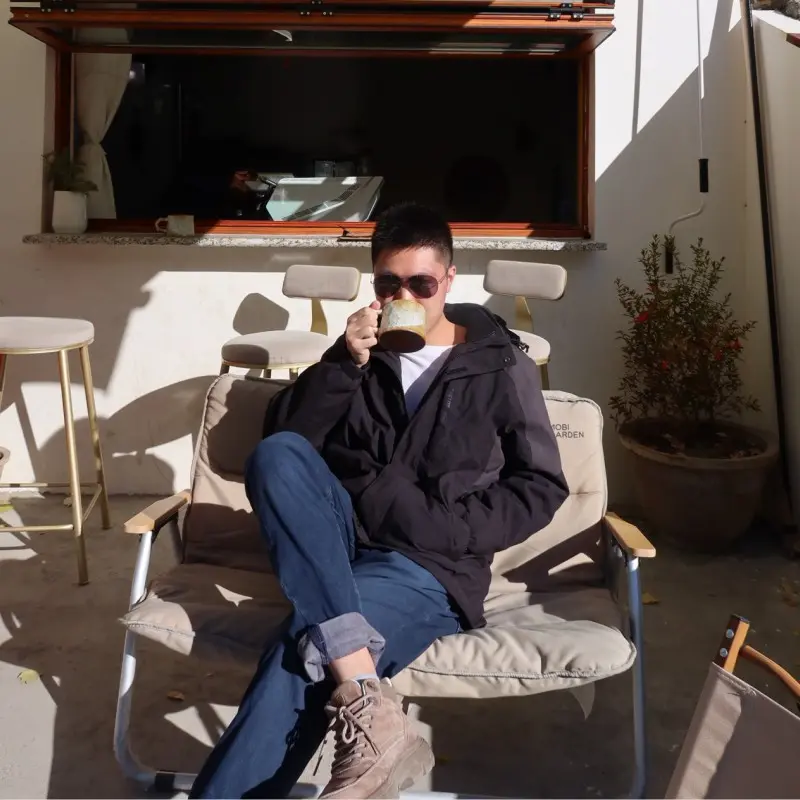
Lighting Is Everything
What makes the difference between an AI avatar that stands out and one that looks average? In most cases, the answer is lighting. Getting your lighting right is the single most important step you can take for your profile picture — because the AI needs to clearly see the structure of your face: your bone structure, the contours of your features, and the natural shadows that give a portrait depth and dimension.
- ✅ DO use soft, diffused front lighting — stand facing a window on an overcast day, or use a ring light at eye level for consistent indoor results.
- ✅ DO shoot during the golden hour (the hour after sunrise or before sunset) — warm, flattering tones translate beautifully into almost every AI style.
- ✅ DO check that your entire face is evenly lit, with no hot spots or dark patches that could confuse the AI.
- ❌ DON'T rely on overhead lighting — harsh shadows under your eyes and nose may be misinterpreted as actual facial features by the AI.
- ❌ DON'T use backlighting — when the light source is behind you, your face becomes underexposed and the AI loses critical detail.
- ❌ DON'T forget the rule of thumb: if a professional photographer were lighting your portrait, your face would be the best-lit subject in the frame. Treat your AI profile picture the same way.
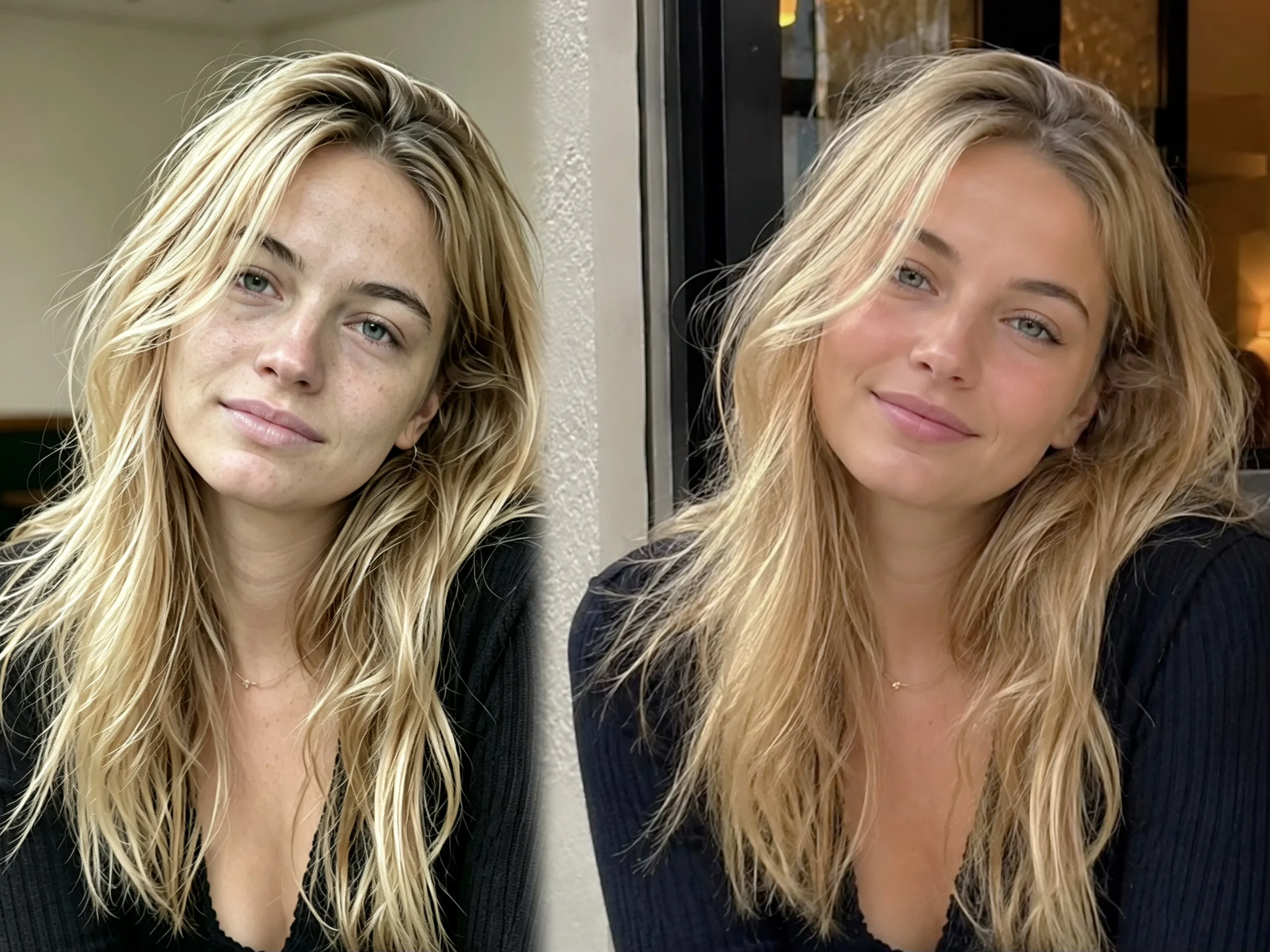
Keep It Simple Background
Your background matters almost as much as your lighting when selecting photos for AI avatars. A clean, clutter-free background helps the AI focus on what matters most: your face. Busy backgrounds with patterns, furniture, plants, or other people can confuse the style transfer process, producing muddled results that do not look like a polished profile picture.
- ✅ DO use a plain wall in a neutral color — white, beige, or light gray works perfectly.
- ✅ DO stand a few feet away from the background to create natural separation, giving the AI cleaner edge detection for better style transfer.
- ✅ DO choose open outdoor areas with uniform backdrops like a clear sky or a solid-colored wall.
- ❌ DON'T use backgrounds with busy patterns, text, or multiple people in the frame.
- ❌ DON'T stand in front of reflective surfaces like windows or mirrors — they can confuse the AI's depth analysis.
- ❌ DON'T assume "good enough" backgrounds: for example, a brick wall or patterned curtain may seem fine to your eye, but the AI can struggle to distinguish you from the background.
Face Forward, Nothing Covered
How you position yourself in the frame directly affects how recognizable your final AI avatar will be. The best profile pictures for AI avatars are those where your face is clearly visible, facing forward, and completely unobstructed. The AI needs to map your facial features accurately to create a stylized portrait that actually looks like you — not just a generic face wearing your chosen style.
- ✅ DO face the camera directly with your head and shoulders centered in the frame.
- ✅ DO remove sunglasses, masks, and any accessories that cover parts of your face.
- ✅ DO keep your hair away from your eyes to give the AI the cleanest possible input for accurate facial analysis.
- ❌ DON'T use extreme angles, profile shots, or photos where your face is partially turned away.
- ❌ DON'T use full-body shots — they produce less recognizable facial results because fewer pixels are dedicated to your face.
- ❌ DON'T wear glasses if you can avoid it — reflections and frames can interfere with the AI's facial mapping. The sweet spot is a head-and-shoulders composition.
Go High Resolution
Resolution matters more than you might think when choosing a photo for AI avatar generation. Higher resolution photos consistently produce better results because the AI has more pixel data to work with. This means it can capture finer details — the texture of your skin, the glint in your eyes, the subtle contours of your face — all of which contribute to a more realistic and detailed stylized portrait.
- ✅ DO aim for at least 1024 x 1024 pixels — most modern smartphone cameras exceed this resolution easily.
- ✅ DO crop group shots carefully, ensuring the cropped area maintains sufficient resolution for clear facial detail.
- ✅ DO test your photo quality: if it stays crisp when you zoom in slightly, it is high enough resolution for excellent results.
- ❌ DON'T use heavily compressed images from messaging apps like WhatsApp or WeChat — they lose the fine detail the AI needs.
- ❌ DON'T use screenshots of photos as your source image — they introduce additional compression artifacts.
- ❌ DON'T settle for grainy, blurry, or pixelated photos: a quick test is your phone screen — if it does not look sharp there, it will not look sharp in your AI avatar.
Natural Expression Wins
Your expression in the source photo determines the emotional quality of your AI avatar more than any other single factor. The best AI avatars start with a natural, relaxed expression because it gives the AI the clearest picture of your natural facial structure. A genuine smile or a composed, neutral look produces the most flattering and recognizable results across all 32 styles.
- ✅ DO use a genuine, relaxed smile or a calm, neutral expression.
- ✅ DO take several photos in quick succession and pick the one where you look most comfortable.
- ✅ DO think of the expression you would use for a professional headshot: approachable, confident, and authentic.
- ❌ DON'T use exaggerated expressions — wide-open eyes, forced grins, or dramatic poses distort the AI's facial mapping.
- ❌ DON'T look angry, overly serious, or tired — these expressions translate poorly across all 32 styles.
- ❌ DON'T underestimate the split-second difference: a forced smile and a natural one produce noticeably different results in the final avatar. Aim for the kind of expression that makes people feel like they already know you.
The Bobi Workflow
Once you have the perfect photo following these 5 tips, the rest is effortless. Upload your photo to Bobi, browse the 32 available styles across 4 categories, and select the one that feels right. Bobi handles the rest — no settings, no parameters, no adjustments needed. In seconds, your AI stylized portrait is ready to use as your profile picture.
- ✅ Lighting: Soft, diffused front light — no harsh overhead or backlight
- ✅ Background: Plain, neutral, and clutter-free
- ✅ Framing: Head and shoulders, facing forward, nothing covered
- ✅ Resolution: At least 1024 x 1024 px, sharp and clear
- ✅ Expression: Natural, relaxed smile or composed look
- ✅ Face: Fully visible — no sunglasses, masks, or hair over your eyes
The hardest part is taking the photo. Bobi makes everything after that effortless. Upload your photo today and discover which style brings out the best version of you.
Frequently Asked Questions
Can I use a selfie camera for my AI avatar photo?
Yes, selfie cameras work perfectly as long as you have good front lighting. Most modern smartphone front cameras are more than sufficient. Just make sure your face is well-lit and the background is not too busy.
What if my best photo is from a few years ago?
Recent photos (within the last year) generally produce better results because they reflect your current appearance. If your look has changed significantly — different hairstyle, weight change, or facial hair — take a new photo for the most accurate results.
Do glasses affect the AI avatar result?
Yes, they can. Sunglasses should always be removed. Regular glasses can cause reflections that confuse the AI's facial analysis, so removing them is recommended for the best result. If you must keep them on, choose a pair with thin frames and non-reflective lenses.
Can I use a photo with other people in it?
We recommend using solo photos. Cropping yourself out of a group photo may reduce resolution and introduce awkward framing. A dedicated solo shot gives the AI the cleanest input and produces the best results across all styles.